Choosing flight sim yokes & throttles comes down to a practical tradeoff: do you want the lower-priced route, or do specific control and connection details justify spending more? The Saitek Pro Flight Yoke System Simulator Controller Throttle and Logitech Flight Yoke System Professional Simulation Yoke and Throttle Quadrant both target PC flight simulation, but their prices, conditions, and descriptions lead to different buying decisions.
Quick verdict
Choose Saitek when keeping the purchase price down is the main priority and the listed physical caveats are acceptable. Choose Logitech when the more explicit yoke-and-throttle-quadrant wording, USB connection, cable length, or matte/anti-glare feature matters enough to support a larger outlay. The key distinction is not an assumed performance advantage; it is how much specificity you want from the listed control setup.
At a glance
| Comparison point | Saitek Pro Flight Yoke | Logitech Flight Yoke |
|---|---|---|
| Price | USD 35.00 | USD 119.99 |
| Condition | Used | Open box |
| Title-named controls | Simulator controller and throttle | Yoke and throttle quadrant |
| Connectivity | Wired | Wired, USB |
| Compatible model | For PC | For PC |
| Color and material | Black plastic | Black plastic |
Where each product wins
Saitek: the price-led choice
Saitek wins when the first filter is spending less. Its lower figure is a straightforward reason to choose it, especially for a shopper who wants a PC flight controller and is willing to weigh the physical condition carefully. The title identifies a simulator controller and throttle alongside the yoke, giving the purchase a clear flight-sim purpose.
Logitech: the detail-led choice
Logitech wins on the specificity of its named control arrangement. The title explicitly calls out a yoke and throttle quadrant, while the four-foot cable adds a useful concrete detail for planning a desk setup. Both products identify PC compatibility and black plastic construction, so those shared points should not decide the comparison.
Product notes
Saitek Pro Flight Yoke System Simulator Controller Throttle
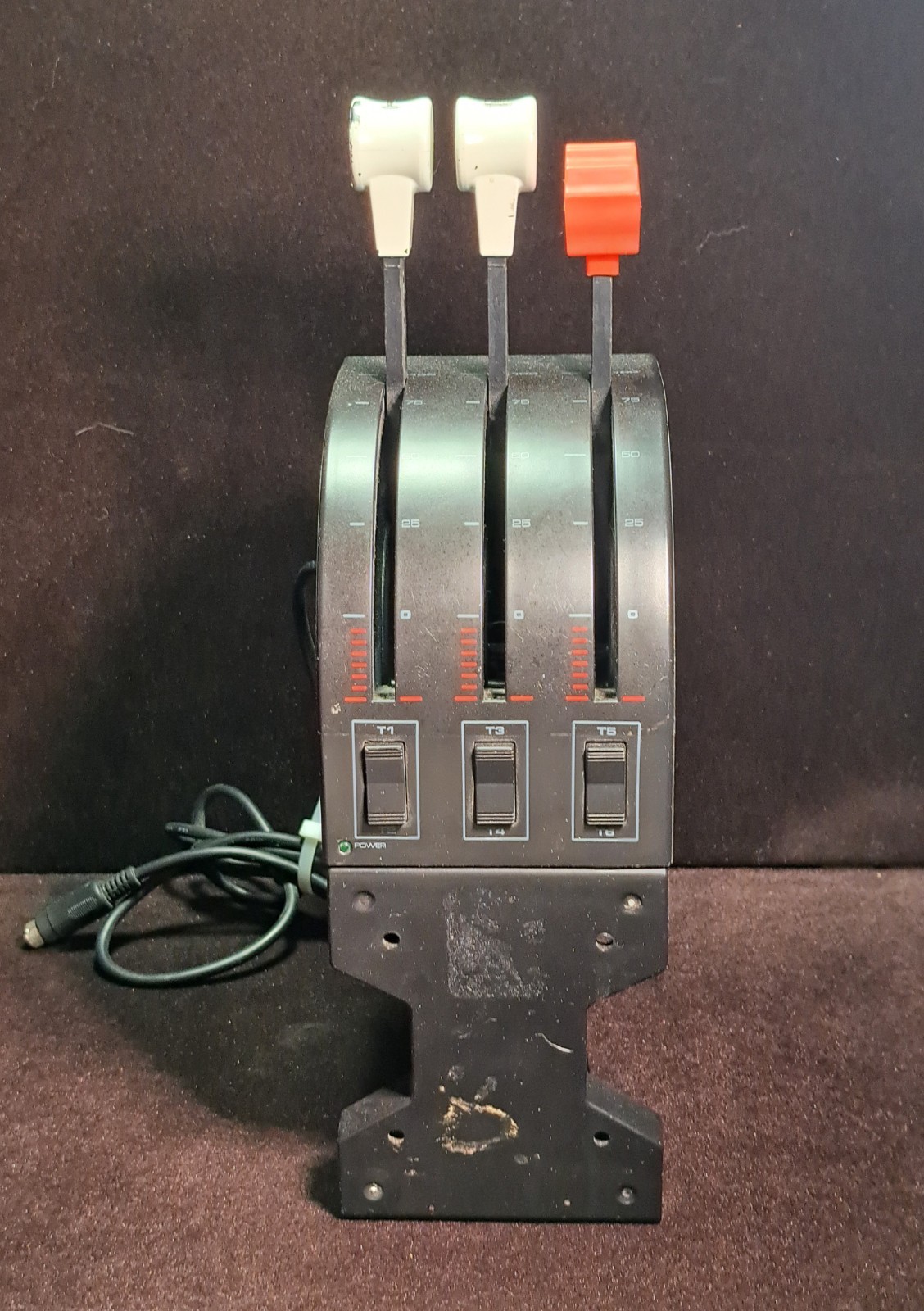
Saitek is easiest to justify for a PC shopper who wants to keep the purchase price at $35 and can accept the condition caveats. The wired format gives the setup a clear, conventional connection detail, while the title's simulator controller and throttle wording makes its intended use easy to understand. The limitation is physical condition: the unit is listed as used, the handles have chipped paint, and the description calls out a missing pressure attachment screw and plate. Those details make the purchase a fit for someone comfortable with visible wear and an incomplete attachment-related set of parts. Saitek's main reason to choose is the lower outlay, not an assumed advantage in control performance.
Logitech Flight Yoke System Professional Simulation Yoke and Throttle Quadrant
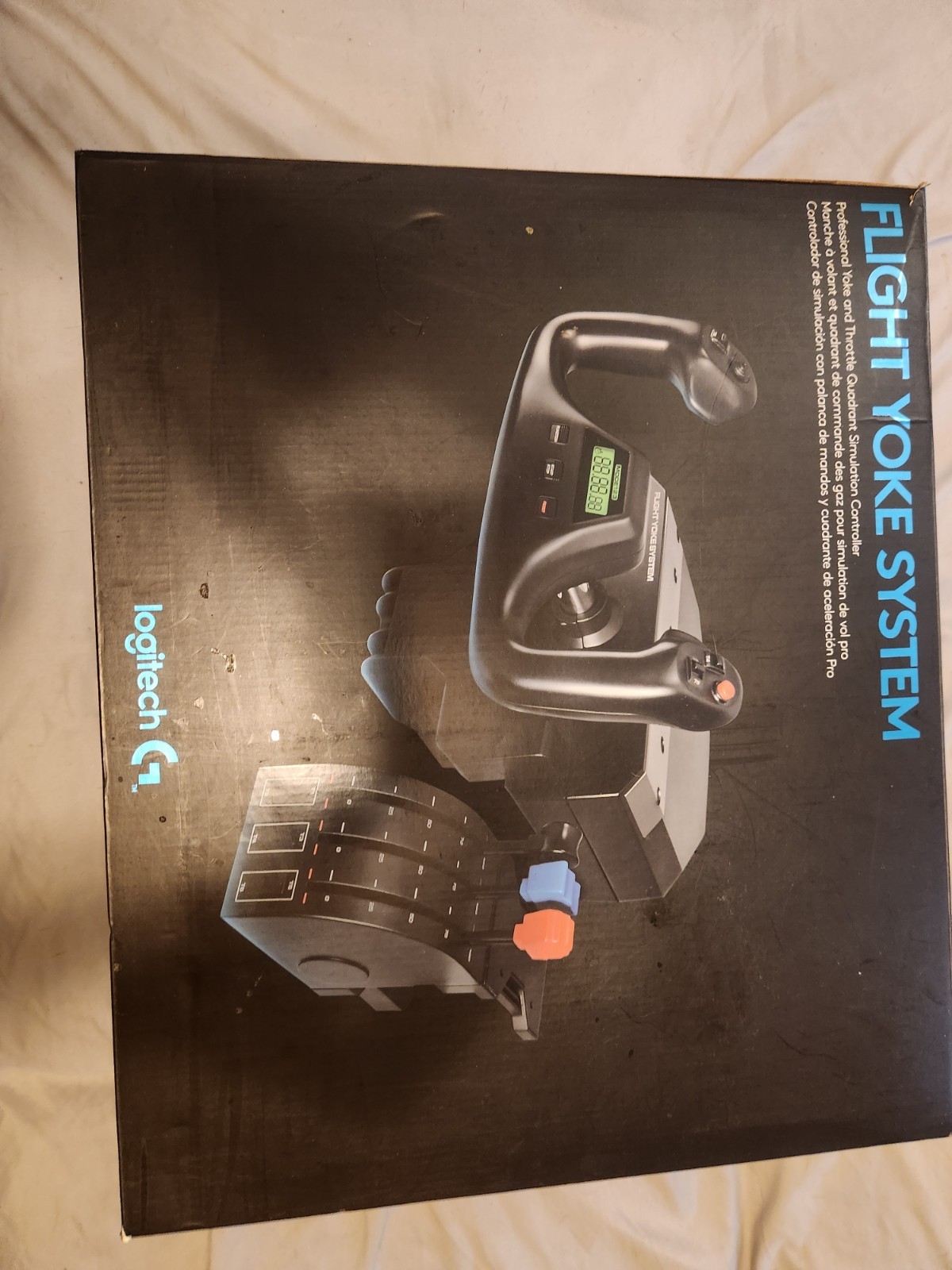
Logitech's clearest appeal is the extra specificity around its connection details: the attributes name a four-foot cable, wired USB connectivity, and a matte/anti-glare feature. Those points give shoppers concrete selection anchors beyond the general flight-sim category. The limitation is the open-box condition, which may matter to someone who prefers a straightforward condition choice. Logitech also carries the larger price commitment in this comparison. Choose it when the cable length, USB connection, or matte/anti-glare detail is central to the setup; the additional outlay then has a defined purpose rather than being based on the word Professional in the title.
Final choice by use case
Choose Saitek if your decision starts with the lower listed price and you can accept chipped handles plus the missing pressure attachment screw and plate. Choose Logitech if the matte/anti-glare feature is a meaningful tie-breaker and the larger outlay is acceptable. The $84.99 price spread makes the overall choice clear: Saitek is the price-first route, while Logitech suits shoppers who have a specific connection or finish detail in mind.
