You have about $21 to $35 to spend on a gaming accessory, and two white options sit in that range: a gamepad and a Logitech wireless headset. The decision comes down to whether you need a controller in your hands or a headset on your ears.
Quick Verdict
If you need a controller, the gamepad is the practical pick. If you need a headset with a microphone, the Logitech G321 Lightspeed is the one. The choice is less about which is better and more about which missing accessory matters most.
Comparison at a Glance
| Option | Price | Type | Connectivity | Key detail |
|---|---|---|---|---|
| PS4 Gamepad | $20.99 [#####-----] | Wireless controller | Bluetooth, Wireless | Dual vibration feedback |
| Logitech G321 Lightspeed | $34.99 [##########] | Wireless headset | Bluetooth, USB-C | 16 kHz boom mic |
Both are new, both are white, and both avoid cables during use. One delivers button input; the other delivers audio output. That's the decision in one sentence. Think of it as a two-piece setup: the gamepad handles your commands, the headset handles your chat and audio.
Where Each Product Wins
- PS4 Gamepad: Pick this when you need a controller and you prefer a familiar gamepad layout. It covers the input side of your setup, so you can jump into games without hunting for a working controller.
- Logitech G321 Lightspeed: Pick this when you need a headset for PC, PlayStation consoles, Nintendo Switch, or mobile and you want a single audio accessory that moves between devices. It covers the sound side, so chat and game audio come through one comfortable package.
Product Notes
PS4 Gamepad
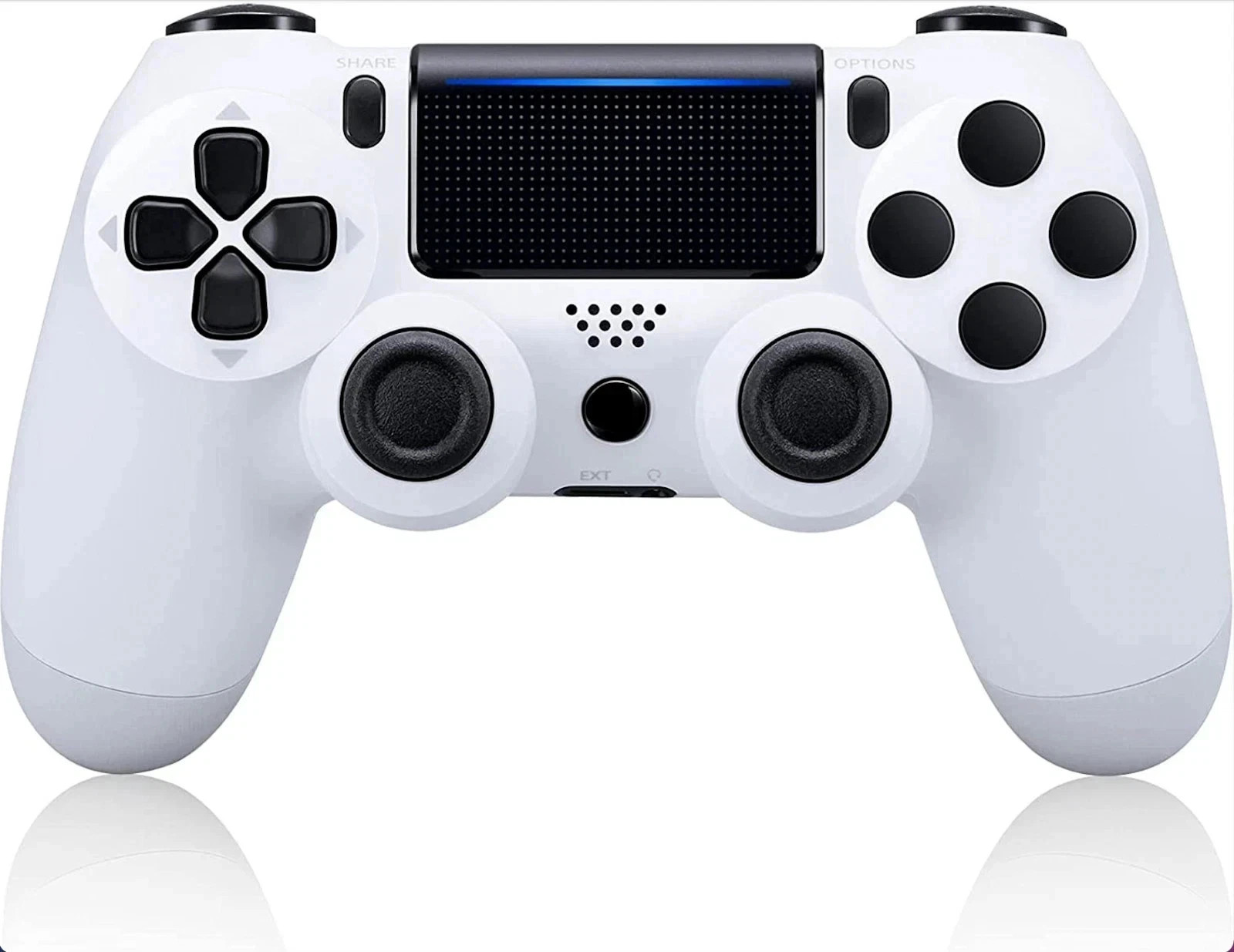
This is the option that solves the "no controller" problem. It works at a 33-foot range with low latency and also supports PS3 and PC. The rechargeable battery keeps the session going, and the ergonomic shape is built for long play. Responsive controls and quick pairing make it a straightforward add to a setup, and the familiar gamepad layout means little adjustment time. The trade-off is that it is a gamepad, not an audio device, so you will still need a separate headset for game chat or immersive sound. If your setup already has a headset and you just need a dependable controller, this is the one to grab.
Logitech G321 Lightspeed
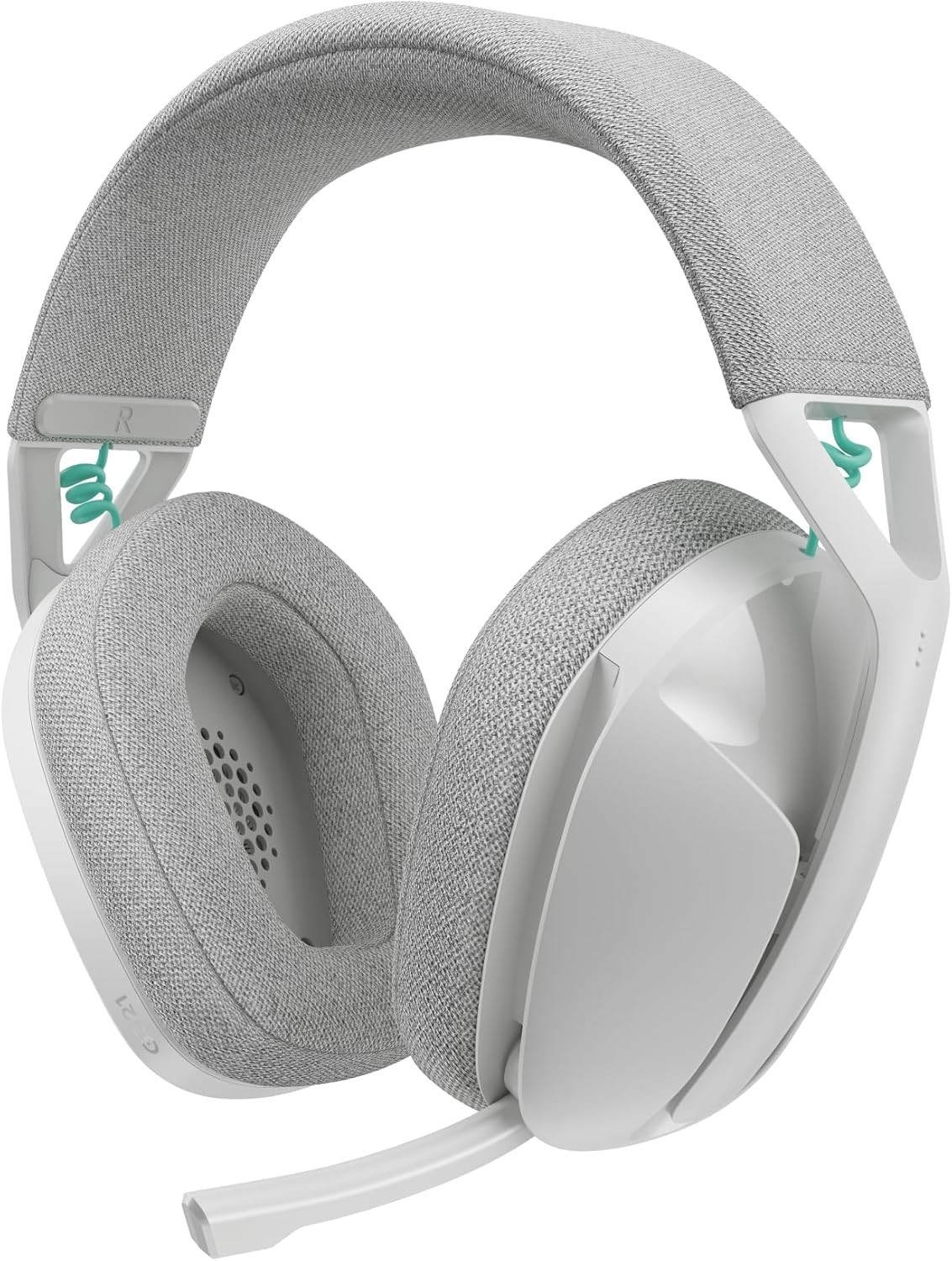
This is the option that solves the "can't hear or be heard" problem. The G321 is a wireless headset with a 16 kHz boom mic, a 20+ hour battery, and memory foam ear cups wrapped in knit fabric. An adjustable headband helps it fit more comfortably, and LIGHTSPEED wireless connects to PC and PlayStation consoles, with Bluetooth also covering mobile and Nintendo Switch. That makes it a flexible audio companion across devices. The trade-off is that it is a headset, not a controller, so you will still need a gamepad for input. If your setup already has a controller and you want clear chat and game audio in one package, this is the one to wear.
Final Choice by Use Case
- If input is the missing piece: Choose the gamepad.
- If audio is the missing piece: Choose the Logitech G321 Lightspeed.
- If you can only add one accessory: Let the gap decide. A missing controller stops you from playing; a missing headset stops you from coordinating or hearing clearly.
