Planning to upgrade an old handheld or open a controller for repairs? The first thing to sort out is whether you need a tool set or a screen kit. Some options are simple screwdrivers, while others bundle a laminated IPS display, shell, and battery. The right choice depends on the console, your soldering comfort, and how much of the build you want to handle yourself.
Quick take
- Basic Nintendo disassembly: the 10-in-1 screwdriver kit.
- Multi-console servicing: the repair set with pry tools.
- Game Boy Advance screen upgrade: the screen kit with pre-soldered wires.
- Full Game Boy Pocket refresh: the laminated kit with shell and battery.
Listed price comparison
Here's how the four options stack up by listed price.
| Product | Listed Price | Price Bar |
|---|---|---|
| For Nintendo Switch N64 NES Game Boy Switch Triwing Screwdriver Repair Tool Kit | $6.63 | |
| Video Game Repair Tool Bit Set for Nintendo Switch SNES N64 NES Wii Joycon | $11.96 | |
| Replacement IPS Screen MOD LCD Backlight Kit For Nintendo Game Boy Advance GBA E | $55.97 | |
| Game Boy Pocket Laminated 2.8" IPS Kit + Shell & USB-C LiPo Battery Gameboy GBP | $104.99 |
Decision matrix
- Basic Nintendo teardown: Start with the screwdriver kit if you only need to open Switch, NES, or Game Boy systems.
- Multi-console repair bench: Pick the multi-console bit set if you also touch Xbox, PlayStation, Sega, or older Nintendo handhelds.
- Game Boy Advance screen upgrade: Go with the screen kit for a 32-pin or 40-pin GBA board that keeps the original shell.
- Game Boy Pocket full build: Choose the kit with shell and USB-C battery if you want a display, housing, and power source in one bundle.
Product notes
For Nintendo Switch N64 NES Game Boy Switch Triwing Screwdriver Repair Tool Kit
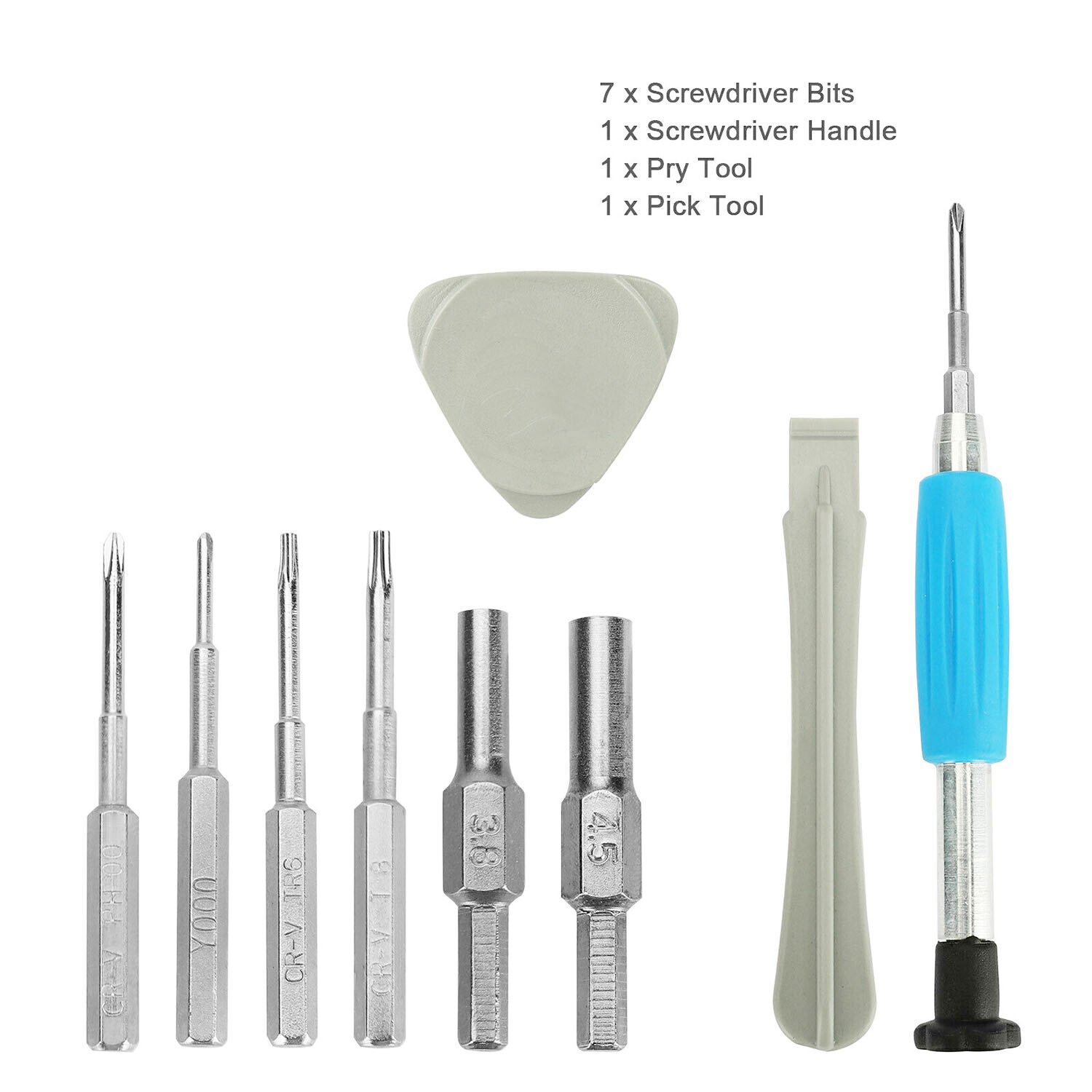
The lowest-priced item in this roundup is a 10-in-1 screwdriver kit that covers Nintendo Switch, N64, NES, Game Boy, Game Boy Color, Game Boy Advance, and DS. The tri-wing driver is useful for opening Nintendo consoles and controllers, and the set is labeled as easy to use. At $6.63, it's a reasonable first tool kit if your main project involves Nintendo hardware. The limitation is scope: this is a screwdriver and bit kit, so it addresses disassembly rather than the screen upgrade itself. If you're only doing basic repair, it's enough; for a full mod, you'll still need other tools.
Video Game Repair Tool Bit Set for Nintendo Switch SNES N64 NES Wii Joycon
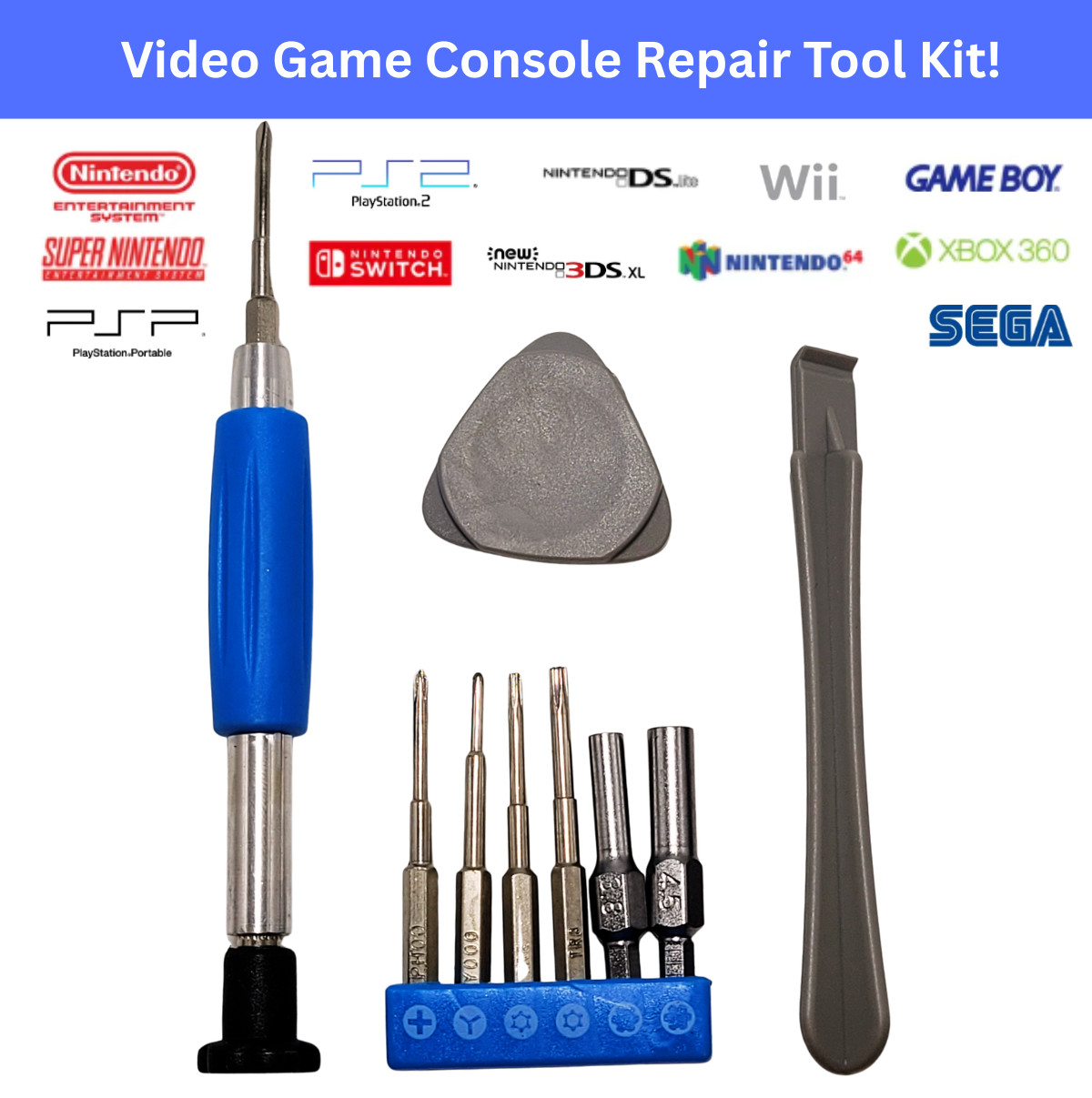
At $11.96, this blue bit set from DuGemISCy is the more expansive of the two tool options. It includes multiple precision bits, including 3.8mm, 4.5mm, and tri-wing sizes, plus two pry tools for opening console shells. Compatibility spans Nintendo Switch, SNES, N64, NES, Wii, Game Boy, 3DS, and also lists Xbox, Sony PlayStation, Sega, and more. That makes it a good choice if you service several generations of consoles or handhelds. The limitation is that it's still a tool set, not a console repair part; if your goal is an IPS screen mod, you'd combine it with one of the screen kits here. The color is blue.
Replacement IPS Screen MOD LCD Backlight Kit For Nintendo Game Boy Advance GBA E
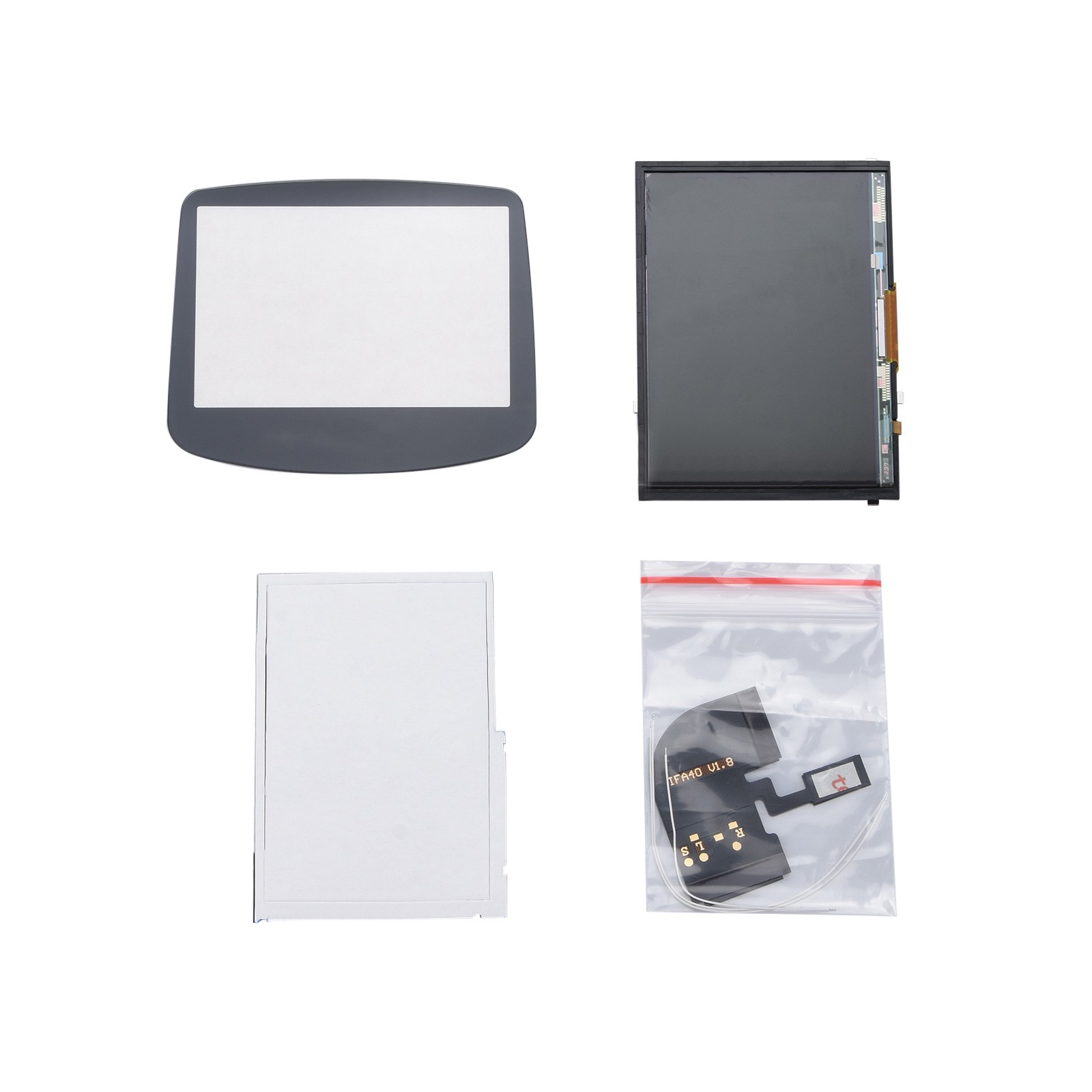
For a Game Boy Advance screen upgrade, this $55.97 IPS backlight kit is the option here that targets the GBA directly. It works with both 32-pin and 40-pin GBA motherboards, and no shell cutting is required. The kit includes a pre-soldered cable, so the main installation task is soldering the power wire to the motherboard. With eight brightness levels, it gives you some adjustability without adding a shell or battery. The limitation: it's a screen-only kit, so you're still using your original GBA shell and buttons, and the install isn't completely solder-free. If you want a matching shell or a rechargeable battery, you'd need to buy those separately.
Game Boy Pocket Laminated 2.8" IPS Kit + Shell & USB-C LiPo Battery Gameboy GBP
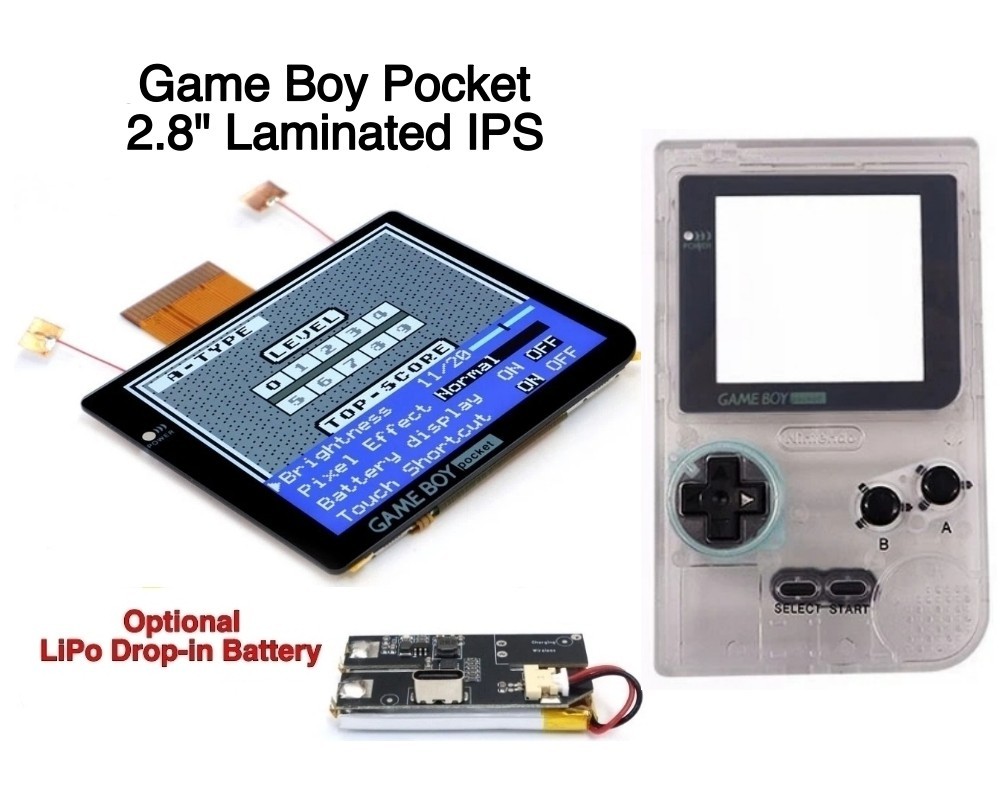
The most expensive and most complete build kit in this comparison is the $104.99 Game Boy Pocket laminated IPS kit from Hispeedido. It combines a 2.8-inch laminated IPS display with a shell and a USB-C LiPo battery, so you get a visual and power upgrade in one purchase. The screen is 22% larger than the original GBP display, has a 480x432 resolution, 20 brightness levels, and five retro pixel effects. It can be controlled by touch sensors or button controls. The catch is that your original Game Boy Pocket motherboard is required but not included, and soldering is needed for power. That makes it a project for someone comfortable with modding, not a drop-in replacement.
Final recommendation by use case
- First repair kit: The basic repair kit is enough if you only need to open Nintendo consoles and swap parts. If you want a bit set that covers more systems, choose the Video Game Repair Tool Bit Set.
- Game Boy Advance screen mod: The screen kit is the direct GBA pick. It avoids shell cutting, but budget for soldering.
- Complete Game Boy Pocket refresh: The Hispeedido kit is the all-in-one choice for a larger screen, new shell, and battery. It's the most ambitious install and needs your original motherboard.
- If you're buying for both repair and modding: Start with one tool set and one screen kit based on your console. The GBA kit plus the multi-console tool set covers a lot of ground without jumping to the full GBP shell kit.
