Choosing among flight sim yokes & throttles means resolving a practical tension: do you want more built-in control detail, or a lower-priced yoke for a PC-oriented setup? The useful shortcut is to compare the controls and compatibility you will actually use, not just the yoke shape. FSW Flight Yoke asks for a much larger commitment, while Logitech G PRO Flight Yoke System keeps the decision centered on a wired USB yoke.
Quick verdict
Choose FSW Flight Yoke if named simulator software support, cockpit-style controls, and a Cessna-style handle are central to your setup. Choose Logitech G PRO Flight Yoke System if PC compatibility, wired USB connectivity, and a lower purchase price matter more than added control hardware.
At a glance
| Product | Listed price | Distinguishing detail |
|---|---|---|
| FSW Flight Yoke | USD 500.00 | Cessna-style handle |
| Logitech G PRO Flight Yoke System | USD 76.67 | Black simulation yoke |
The absolute price spread is USD 423.33, making the cost difference the clearest dividing line. The FSW option is positioned around a more detailed simulator control experience, while the Logitech option keeps the basic buying decision more focused.
Where each product wins
- FSW Flight Yoke wins on named software compatibility. It identifies support for X-Plane 10, 11, and 12, Microsoft Flight Simulator 2020 and 2024, and Prepar3D. Its standard HID approach is also described as requiring no drivers, which is useful for a setup where software fit is the first concern.
- Logitech G PRO Flight Yoke System wins on price clarity. At USD 76.67 versus USD 500.00, the USD 423.33 spread is substantial. PC compatibility and wired USB connectivity also make it the practical direction for a computer-centered setup.
Product notes
FSW Flight Yoke
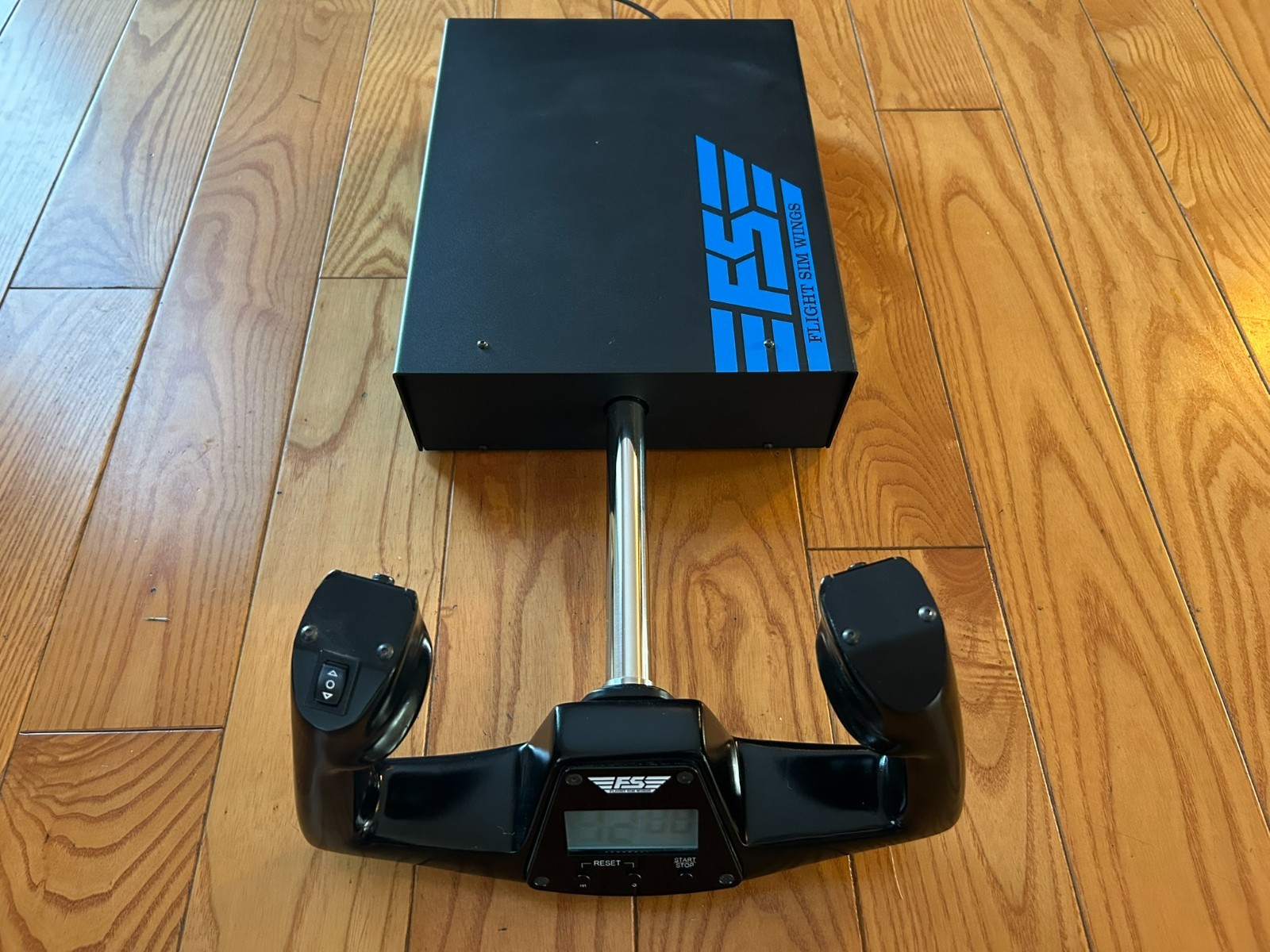
The FSW Flight Yoke focuses on physical control detail beyond the main yoke movement. Its description names heavy-duty construction, CNC-cut and anodized parts, contactless sensors for pitch and roll, an electric trim rocker, and two momentary push-button switches. It also includes a USB-powered clock with timer. Those additions give a concrete reason to choose it when you want more cockpit controls in one unit. The integrated USB HID design is described as plug and play, and the unit is assembled in the United States. The limitation is that the item is marked Used; shoppers prioritizing a smaller outlay have a concrete reason to compare the Logitech G PRO Flight Yoke System instead.
Logitech G PRO Flight Yoke System
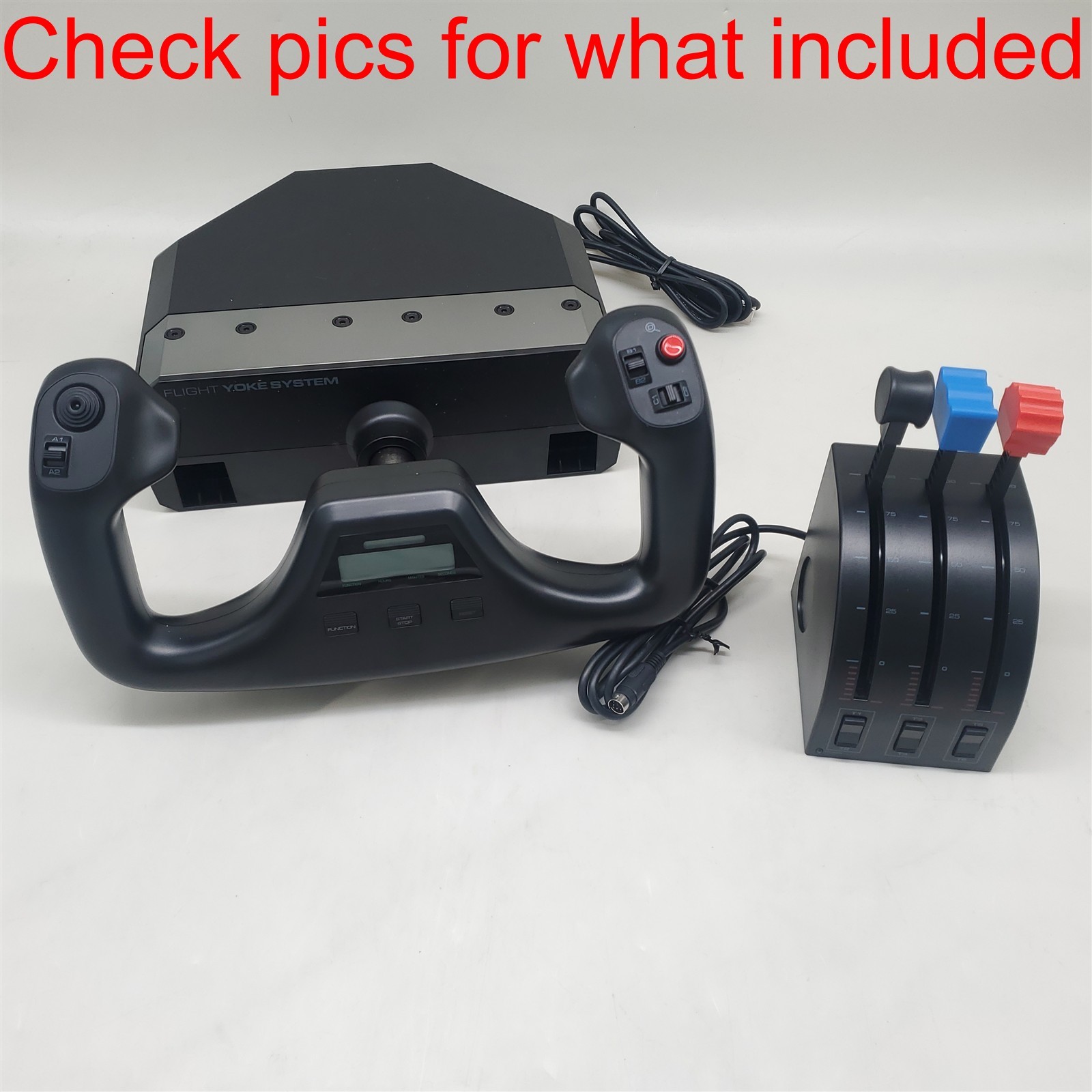
Logitech G PRO Flight Yoke System gives a computer-centered setup several clearly stated practical details: wired USB connectivity, PC compatibility, and a 1.8m cable. The attributes also describe the design as glossy and ergonomic. Those points give a concrete reason to choose it when desk placement and a direct USB connection are central to the setup. The product title includes "*READ*," which should remain part of the buying decision, and the condition is Used. The 1.8m cable is the stated reach, making positioning relative to the computer a practical limitation to account for. For shoppers who want named simulator software compatibility, FSW Flight Yoke has the clearer software statement.
Final choice by use case
- Choose FSW Flight Yoke for a control-rich cockpit arrangement where the trim rocker, push buttons, and clock with timer justify the larger commitment.
- Choose Logitech G PRO Flight Yoke System when PC compatibility and the 1.8m wired USB setup align with your desk, while the lower listed price is the deciding factor.
In short, FSW is the feature-and-software decision; Logitech is the price-and-PC decision. The right pick depends on whether your simulator setup benefits from the FSW unit's added controls or whether a straightforward Logitech yoke better matches the way you fly.
