Buying flight sim yokes & throttles comes down to a practical choice: do you want a yoke with simulator-specific controls, or a package that explicitly combines a yoke and throttle quadrant? FSW Flight Yoke and Logitech Flight Yoke System take different approaches, so the right pick depends on your preferred control layout, named software support, and tolerance for the price gap.
Quick verdict
Choose the FSW Flight Yoke if built-in trim, buttons, a clock, contact-less pitch-and-roll sensors, and named simulator compatibility are central to your setup. Choose the Logitech Flight Yoke System if the yoke-and-throttle-quadrant format is the priority and you want a straightforward wired USB controller.
Side-by-side comparison
| Product | Listed price | Condition |
|---|---|---|
| FSW Flight Yoke | $500.00 | Used |
| Logitech Flight Yoke System | $119.99 | Open box |
Where each product wins
FSW Flight Yoke wins for named simulator coverage
The FSW makes its clearest case with a specific software list: X-Plane 10, 11, and 12, Microsoft Flight Simulator 2020 and 2024, and Prepar3D. Its description also identifies standard HID communication and says no drivers are necessary. That gives shoppers who already fly within one of those named simulator families a concrete compatibility reason to choose the FSW rather than relying on a generic controller description.
Logitech Flight Yoke System wins on the listed-price spread
The Logitech's listed price is $380.01 below the FSW's. That difference makes it the straightforward choice when the yoke-and-throttle setup matters but the higher-priced FSW feature set is not the deciding factor. Its wired USB connection and 4-foot cable also define a simple physical arrangement for a flight-sim desk.
Product notes
FSW Flight Yoke
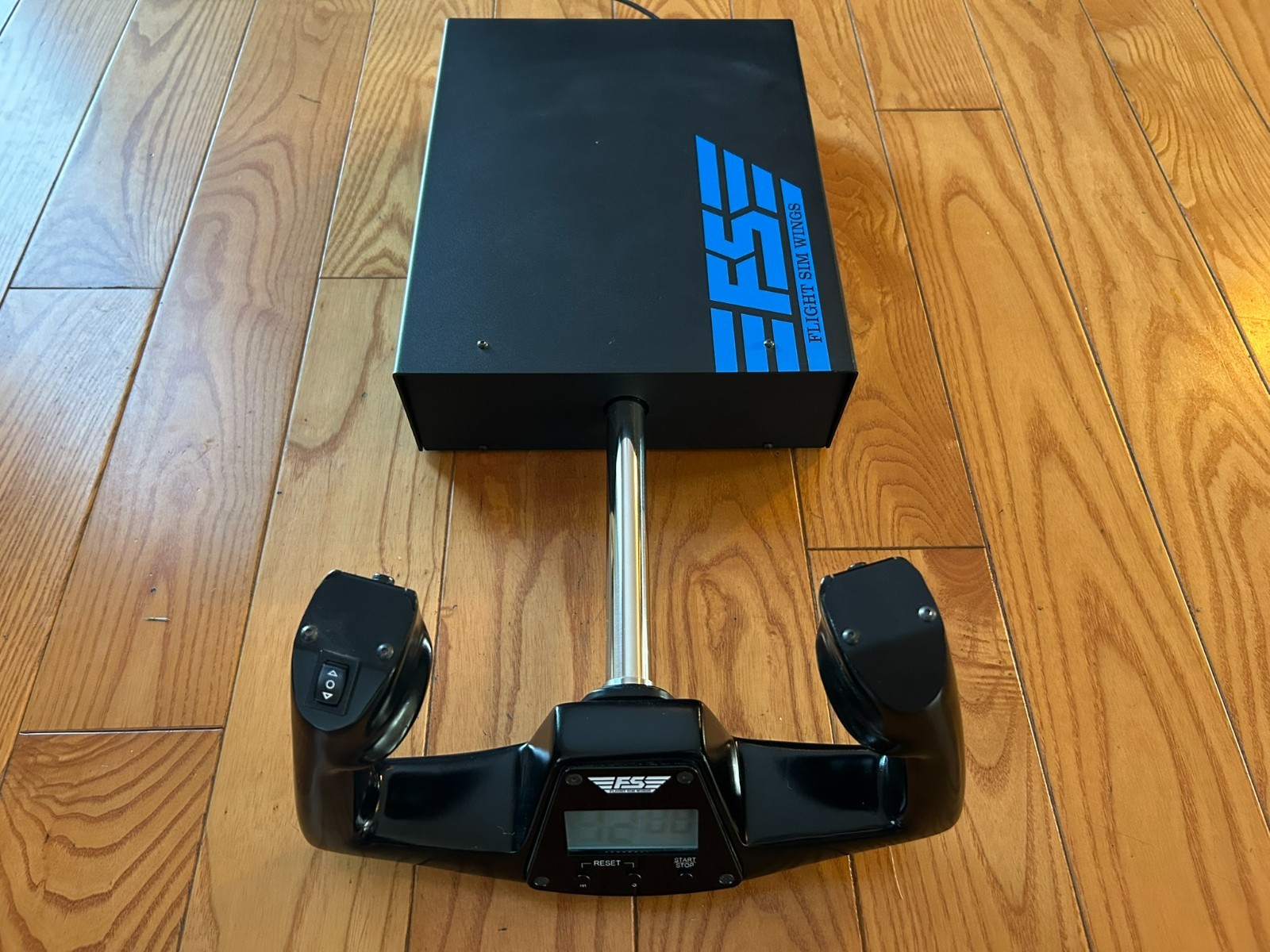
The FSW suits a buyer who wants several flight controls integrated into the yoke assembly. Its description specifies a Cessna-style yoke handle, electric trim rocker, two momentary push buttons, and a USB-powered clock with timer. It also lists heavy-duty construction, CNC-cut and anodized parts, contact-less sensors for pitch and roll, and aviation-grade precision details. The limitation is the purchase commitment: the listed price is $500.00, and the condition is Used. It is a wired USB unit as well, so the physical connection is part of the setup. Choose the FSW for its built-in trim, button, clock, and sensor details; skip it when those additions do not justify the higher listed price.
Logitech Flight Yoke System
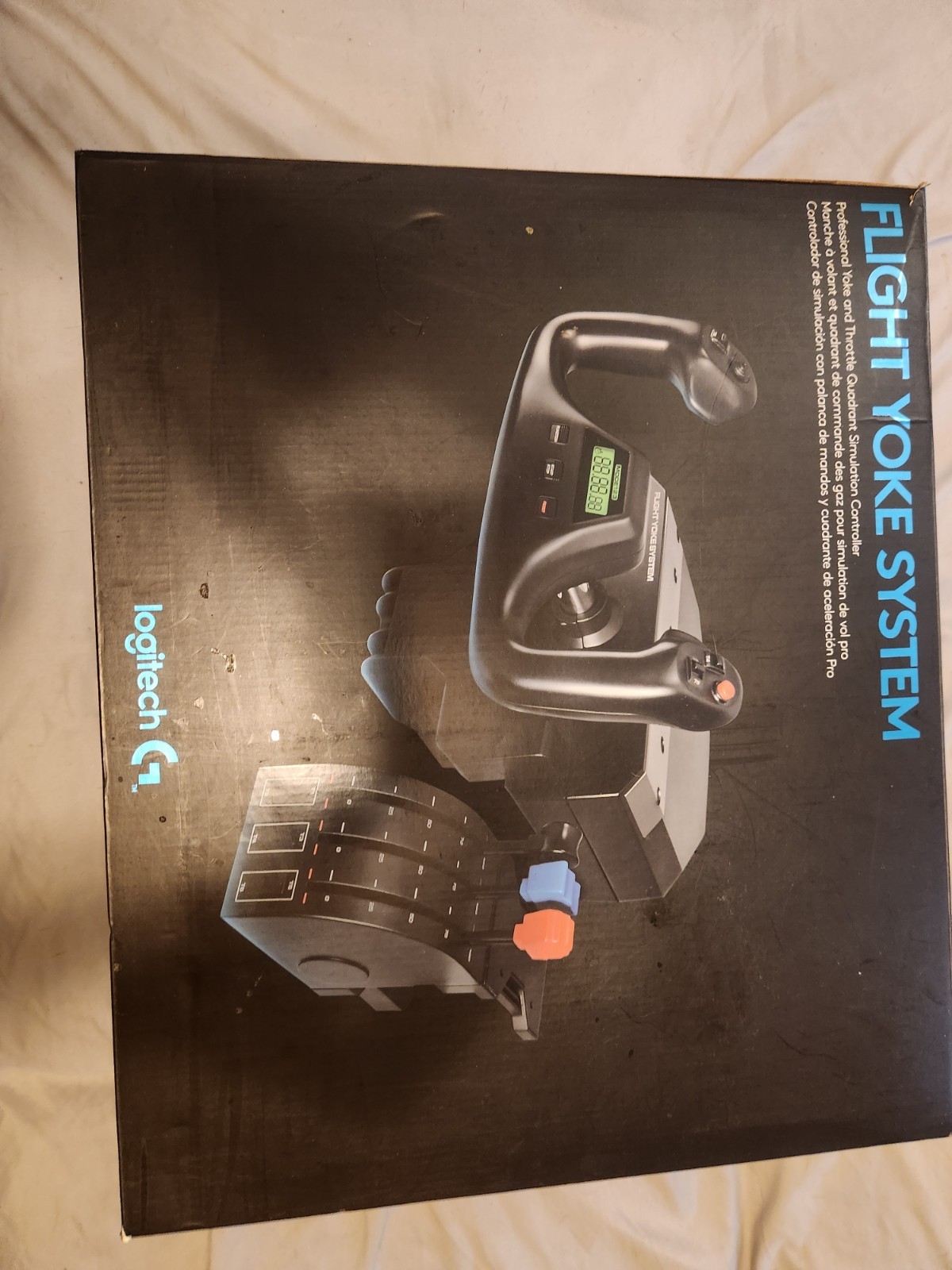
The Logitech is a sensible fit when you want the title's yoke-and-throttle-quadrant combination in one control package. Its description identifies a black plastic controller attachment with wired USB connectivity and a 4-foot cable, giving the desk setup a clearly defined connection length. The listed price is $119.99, which is its main practical advantage in this comparison. The limitation is the Open box condition, along with the fact that the four-foot cable makes cable reach part of placement planning. Choose the Logitech when a combined yoke and throttle quadrant is more important than FSW-specific onboard controls; its format is easy to understand from the product name alone.
Final choice by use case
- For named simulator coverage: Choose the FSW Flight Yoke for its stated support for X-Plane, Microsoft Flight Simulator, and Prepar3D.
- For a combined yoke-and-throttle format: Choose the Logitech Flight Yoke System, whose title explicitly includes both controls.
- For onboard control features: Choose the FSW Flight Yoke for the listed trim rocker, momentary buttons, clock, and pitch-and-roll sensors.
- For the lower listed-price route: Choose the Logitech Flight Yoke System, with its $380.01 price spread relative to the FSW.
