Choosing flight sim yokes & throttles comes down to more than picking a yoke shape. You need to balance platform compatibility, the condition of the hardware, mounting requirements, and whether a basic throttle is enough or you want a more defined flight sim throttle quadrant. The lowest listed price carries a clamp-related tradeoff, while the higher-priced choices add either open-box condition or named controls.
Quick take
- For the lowest listed price: Logitech Saitek Pro Flight Yoke System Throttle Simulator, provided the clamp limitation works for your setup.
- For a PC yoke-and-throttle pairing: Saitek Pro Flight Yoke System w/throttle, with wired connectivity and PC compatibility.
- For named simulator support and added controls: Logitech G Pro Flight Yoke System J-U0004 Throttle Quadrant PC Tested Working.
- For an open-box Logitech setup: Logitech Saitek Pro Flight Yoke System ~JU0025 simulator Controls.
Listed-price comparison
The four choices cover a broad listed-price range, from a used unit with a mounting limitation to an open-box Logitech option at the top of the range.
| Product | Listed price | Price bar |
|---|---|---|
| Logitech Saitek Pro Flight Yoke System Throttle Simulator | $74.95 | |
| Saitek Pro Flight Yoke System w/throttle | $84.99 | |
| Logitech G Pro Flight Yoke System J-U0004 Throttle Quadrant | $109.99 | |
| Logitech Saitek Pro Flight Yoke System ~JU0025 simulator Controls | $199.00 |
Decision matrix
- Choose around the lowest price: The Logitech Saitek Pro Flight Yoke System Throttle Simulator is the clear price-led route, but its missing yoke clamp changes how it can be mounted.
- Choose a wired PC setup: Saitek Pro Flight Yoke System w/throttle lists PC compatibility and wired connectivity in a simple yoke-plus-throttle format.
- Choose specific flight-sim control features: Logitech G Pro Flight Yoke System J-U0004 names Microsoft Flight Simulator, X-Plane, Prepar3D, a three-lever throttle quadrant, an LCD stopwatch/timer, programmable controls, and an integrated USB hub.
- Choose open-box condition: Logitech Saitek Pro Flight Yoke System ~JU0025 simulator Controls lists open-box condition, a 4ft cable, wired USB connectivity, and Apple/PC compatibility.
Product notes
Logitech Saitek Pro Flight Yoke System Throttle Simulator
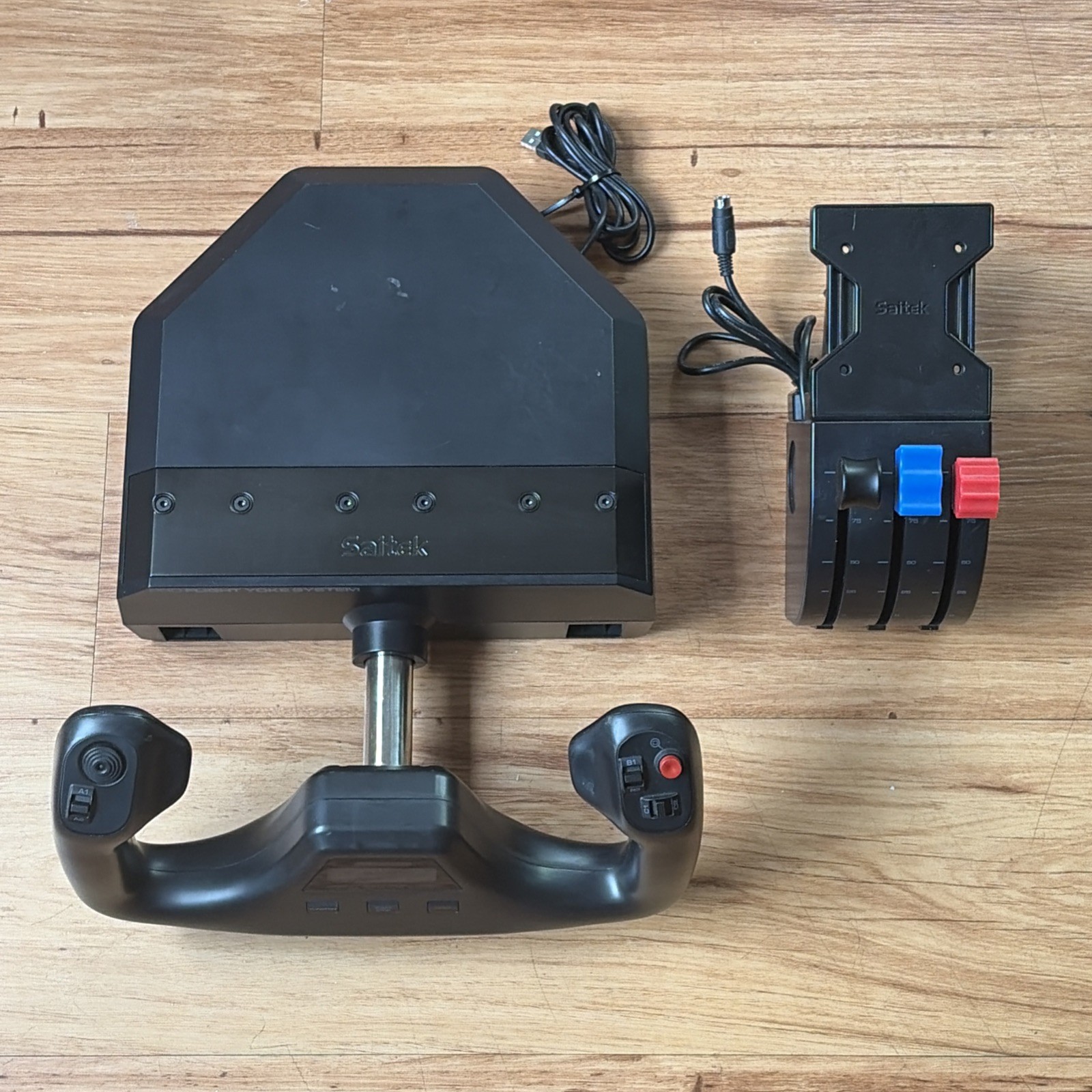
The Logitech Saitek Pro Flight Yoke System Throttle Simulator is the price-first pick at $74.95, with a black wired USB setup and a 4ft cable. Its listed compatibility includes Apple and PC, while the throttle simulator pairing is part of the product name. That combination makes it a practical choice when the lowest listed price matters most. The decisive limitation is also in the product name: the yoke clamp is missing. Because the condition is used, the clamp issue should shape the decision rather than be treated as a minor detail. Choose it when you already have a mounting solution or are comfortable handling that limitation.
Logitech Saitek Pro Flight Yoke System ~JU0025 simulator Controls
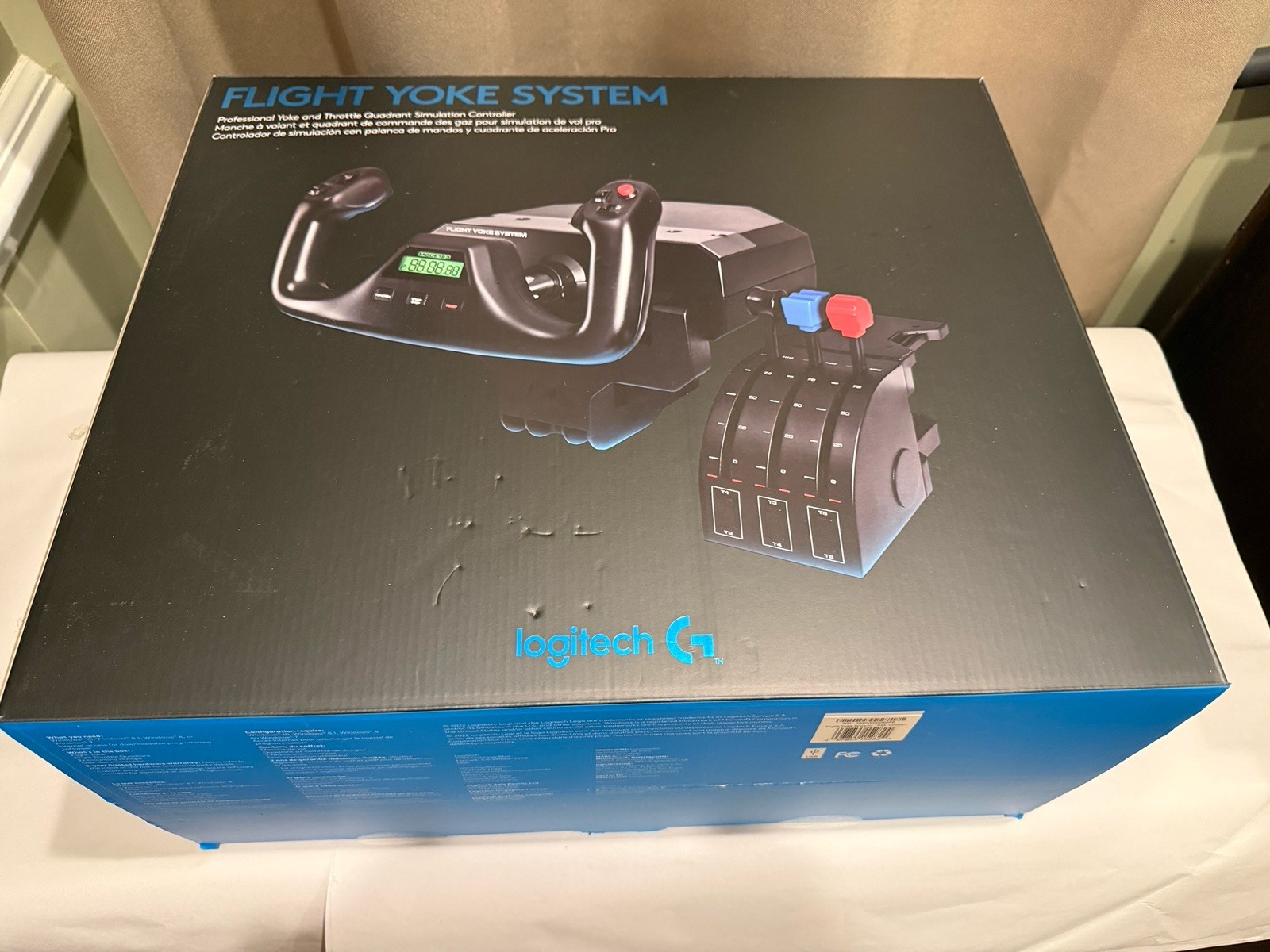
Logitech Saitek Pro Flight Yoke System ~JU0025 simulator Controls stands out for open-box condition, a 4ft cable, black finish, wired USB connectivity, and Apple/PC compatibility. It is the highest-priced entry at $199, so its appeal is tied to wanting this specific Logitech Saitek yoke system while preferring open-box condition over used condition. The limitation is its price position: the other three listed choices cost less, while the named feature set centers on the yoke system, cable, wired connection, and platform details rather than a specified throttle quadrant or LCD control. It suits a buyer who prioritizes the open-box condition and matching platform details.
Saitek Pro Flight Yoke System w/throttle
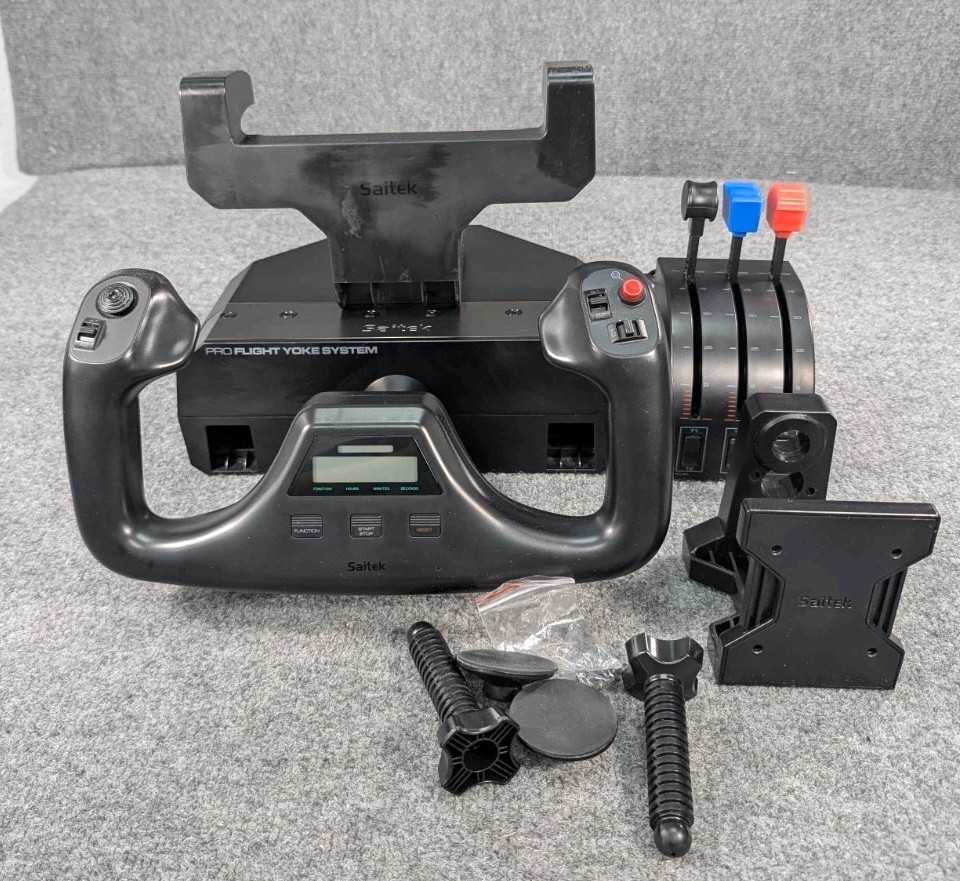
Saitek Pro Flight Yoke System w/throttle keeps the choice simple: a black, wired unit for PC with the yoke-and-throttle pairing stated in the name. At $84.99, it sits close to the lowest listed price, and the product details describe it as complete with clamps. That makes it a clear fit for a PC shopper who wants a conventional flight yoke and flight simulator throttle together. Its limitation is the used condition and PC compatibility listed for the model. If your setup is not PC-based, that platform detail is a decisive mismatch rather than a minor tradeoff. For a straightforward wired PC cockpit, its uncluttered format is easy to understand.
Logitech G Pro Flight Yoke System J-U0004 Throttle Quadrant PC Tested Working
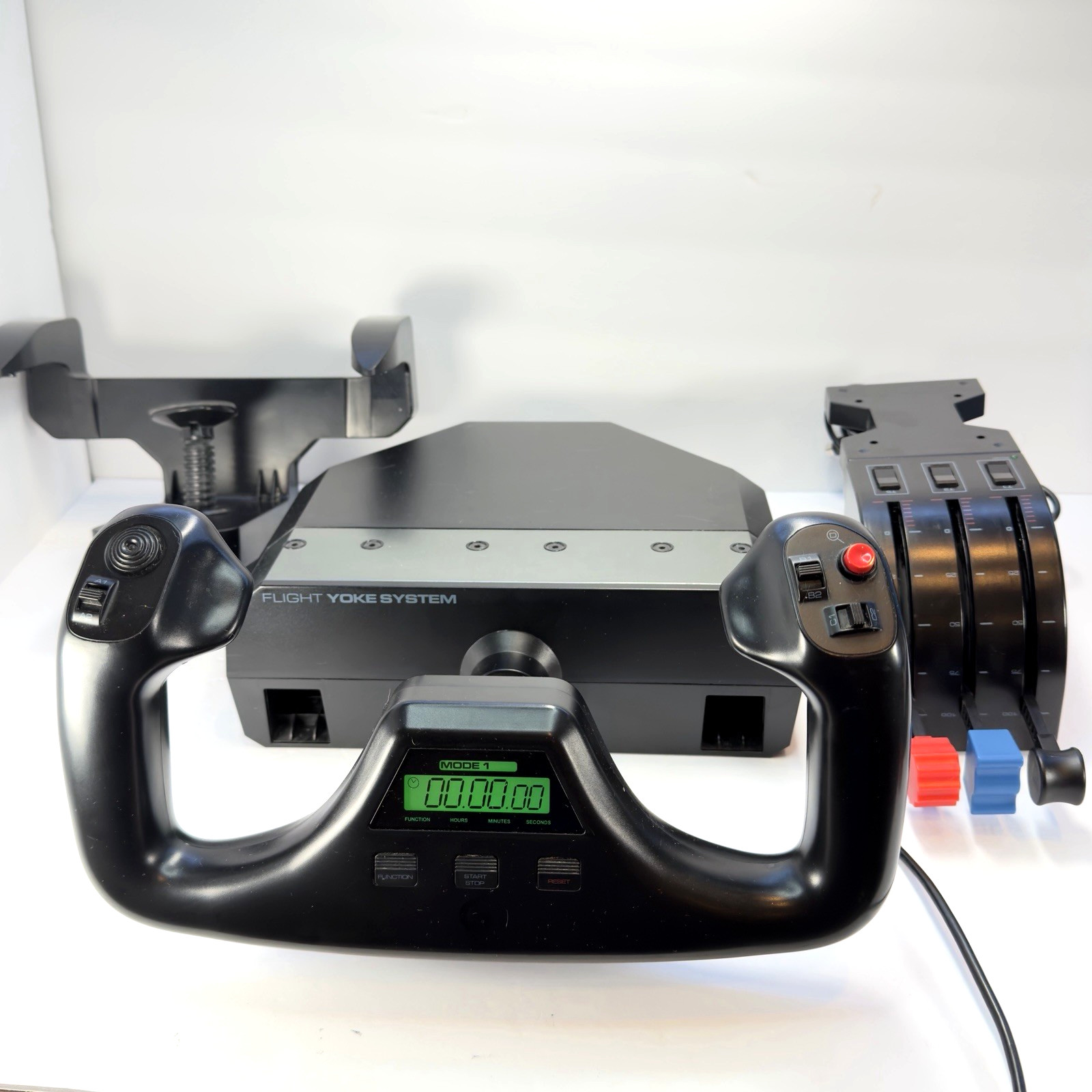
Logitech G Pro Flight Yoke System J-U0004 Throttle Quadrant PC Tested Working is the control-focused choice. It names a three-lever throttle quadrant, built-in LCD stopwatch/timer, programmable controls, integrated USB hub, wired USB setup, and desk mounting hardware. Compatibility names Microsoft Flight Simulator, X-Plane, Prepar3D, and more, giving a clear match for shoppers who want those simulator references alongside a yoke. The tradeoff is its used condition, even though the product name says tested working; the listed price is $109.99, above the two lower-priced used choices. Pick it when the added control features matter more than choosing the lowest listed price.
Final recommendation by use case
- Lowest listed price: Choose the Logitech Saitek Pro Flight Yoke System Throttle Simulator only when the missing clamp fits your mounting plan.
- PC yoke with throttle: Saitek Pro Flight Yoke System w/throttle is the clearest match for a wired PC setup and a simple combined control layout.
- Microsoft Flight Simulator, X-Plane, or Prepar3D: The Logitech G Pro Flight Yoke System J-U0004 is the most directly aligned choice because those simulator names and its throttle-quadrant controls are specifically identified.
- Open-box preference: Choose Logitech Saitek Pro Flight Yoke System ~JU0025 simulator Controls when condition preference outweighs its position as the highest-priced choice.
For most shoppers, the decision is between the lower-priced Saitek unit and the more feature-specific J-U0004. The former keeps the setup focused on PC yoke-and-throttle control; the latter adds a three-lever quadrant, LCD timer, programmable controls, and USB hub. The lowest-priced Logitech option is worth considering only with the clamp limitation firmly in mind.
