Choosing flight sim yokes & throttles starts with one practical question: are you repositioning throttle hardware you already own, or adding a yoke and throttle controls together? The Dual 45 Degree Tilt Adapter and Logitech Flight Yoke System serve different roles, so the right pick depends less on a head-to-head feature count and more on the control setup you want to build.
Quick verdict
Choose the Dual 45 Degree Tilt Adapter For Saitek/Logitech Flight Sim Throttle Quadrant when you already have throttle quadrants and want them mounted at a 45-degree angle. Choose the Logitech Flight Yoke System Professional Simulation Yoke and Throttle Quadrant when you want a yoke and throttle quadrant in one control system. Their listed prices are $35.49 and $119.99, an $84.50 gap that reflects an accessory versus a broader control setup.
At a glance
| Attribute | Dual 45 Degree Tilt Adapter | Logitech Flight Yoke System |
|---|---|---|
| Listed price | $35.49 | $119.99 |
| PC designation | For PC | For PC |
| Connection | Controller Attachment | Controller Attachment, Wired, USB |
| Condition | New | Open box |
| Cable detail | Not specified | 4 ft. |
Where each product wins
- Dual 45 Degree Tilt Adapter: The stronger fit for changing the position of two existing throttle quadrants. Its stated 45-degree angle and original table-mount design make the intended use clear.
- Logitech Flight Yoke System: The stronger fit for shoppers who need both yoke input and throttle control. The wired USB connection and 4-foot cable also give the setup a defined connection format.
Product notes
Dual 45-Degree Tilt Adapter for Saitek/Logitech Throttle Quadrant
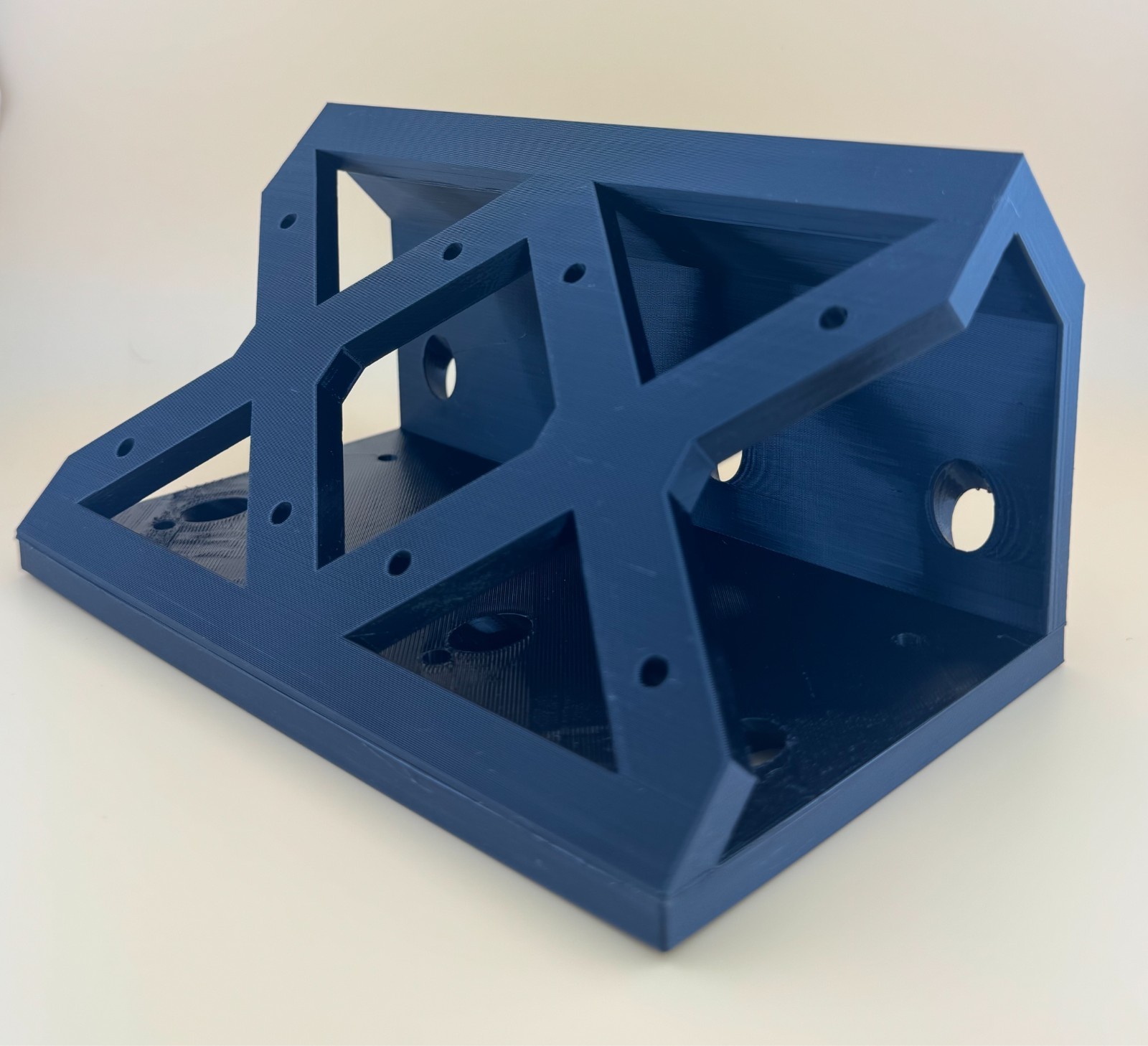
The Dual 45 Degree Tilt Adapter makes sense for a desk setup centered on Saitek or Logitech throttle quadrants. Its stated job is to mount two quadrants at a 45-degree angle to the original table mounts, so the concrete benefit is repositioning rather than adding a new control device. The black plastic construction and PC designation keep its role straightforward as a controller attachment. The important limitation is that throttle quadrants and screws are not included. That means the adapter depends on compatible hardware already being part of your setup, and it should not be treated as a standalone flight sim throttle. Choose it for a mounting change; skip it when you need a yoke or throttle controls included in the same purchase.
Logitech Flight Yoke System with Throttle Quadrant
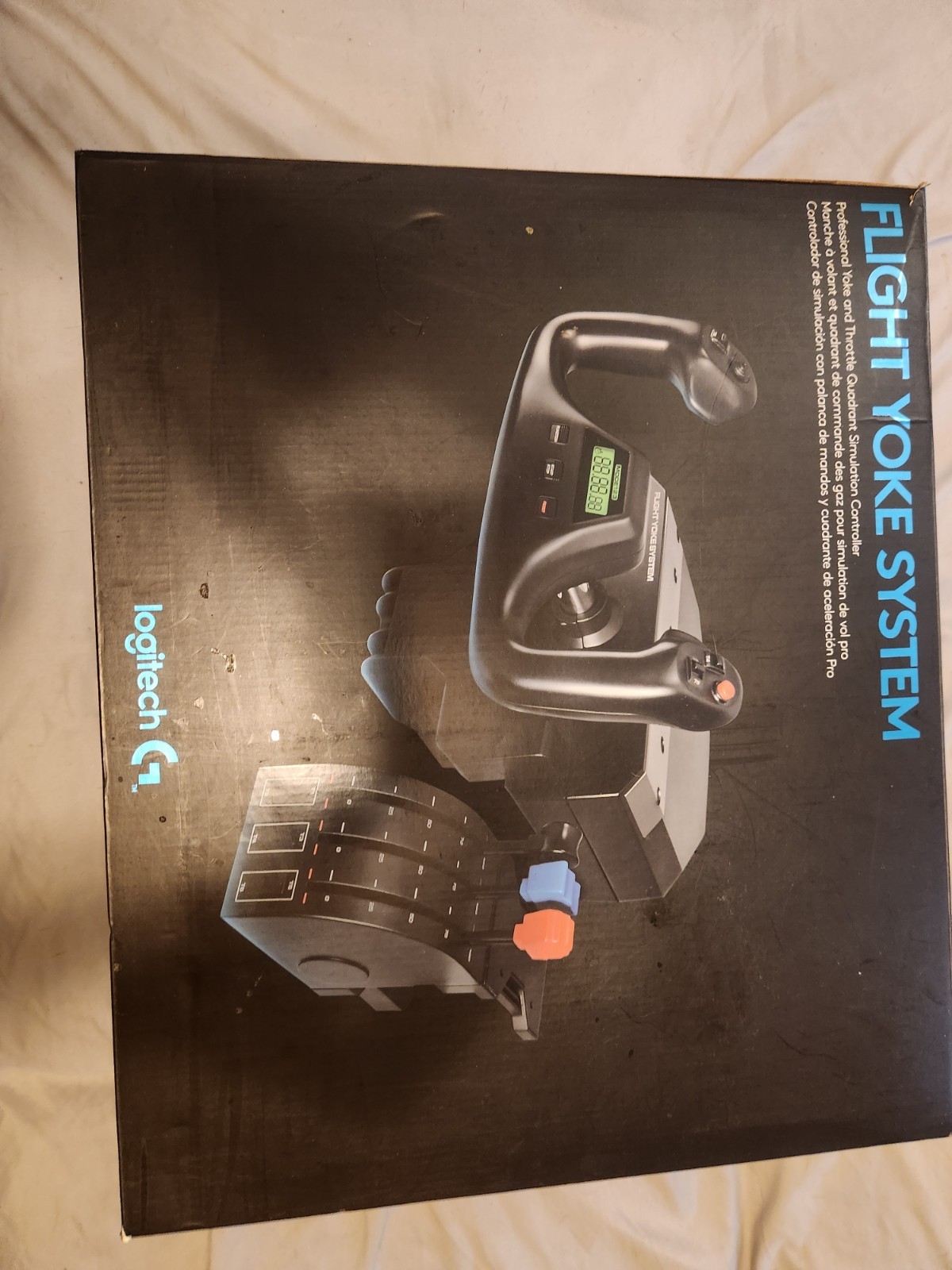
The Logitech Flight Yoke System is the more suitable direction when the goal is to add two named control types at once: a yoke and a throttle quadrant. Its 4-foot cable, wired USB connection, black finish, and matte/anti-glare feature give the setup specific physical and connection details without requiring assumptions about performance. The main limitation is its open-box condition, which distinguishes it from the adapter's new condition. It is designated for PC, making that the clearest platform reference for a shopper comparing the two. The system's broader control scope is the reason to choose it, while the open-box condition is the concrete trade-off to weigh before deciding.
Final choice by use case
- For repositioning existing throttle hardware: Choose the Dual 45 Degree Tilt Adapter For Saitek/Logitech Flight Sim Throttle Quadrant. The two-quadrant, angled-mount design is directly aligned with that job, provided the required quadrants and screws are already available.
- For adding yoke input and throttle control together: Choose the Logitech Flight Yoke System Professional Simulation Yoke and Throttle Quadrant. Its title identifies both controls, and its wired USB specification gives the connection a clear format.
- For the simpler purchase decision: The adapter is the focused choice for desk positioning, while the Logitech system is the focused choice for expanding the controls themselves. Both carry a For PC designation, so the deciding difference is what your flight sim setup still needs.
